7 laptop specs that matter (and 4 that are mostly marketing)
How to compare two laptops without getting lost in the spec sheet: the rows that predict real-world speed, battery and comfort, and the rows designed to impress on a shelf tag.
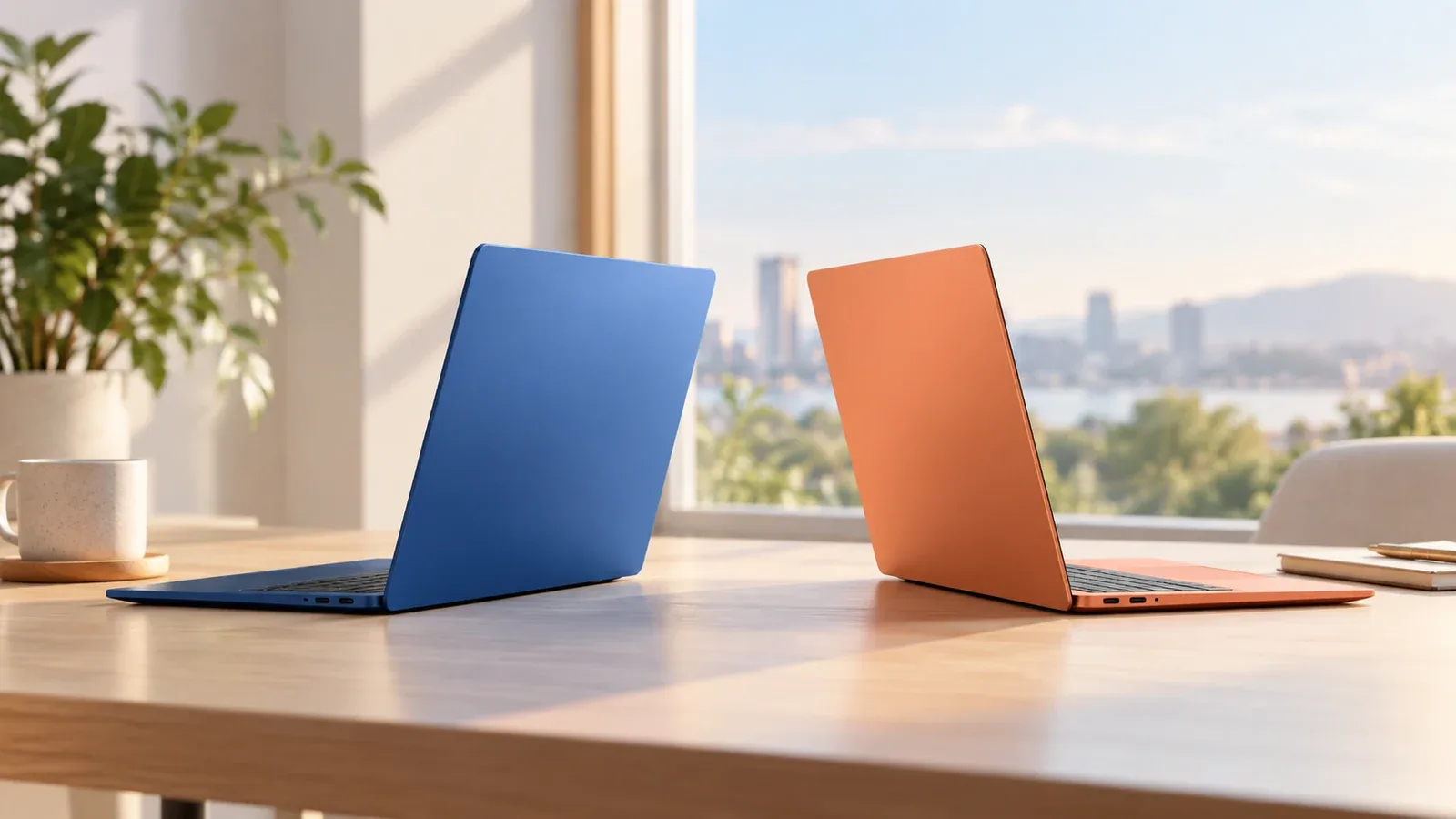
Laptop spec sheets are long because manufacturers want them to be. A long list makes every model look different, when in truth about seven rows decide whether you will be happy with the machine for the next four years. Here is how we weigh them in our laptop comparison hub, and which rows we quietly ignore.
The rows that matter
Processor generation and class
Two laptops can both say "Intel Core Ultra 7" and perform very differently if one is a low-power U-class chip and the other an H-class part with twice the power budget. Compare the exact model and its generation. Apple's M-series chips simplify this: within a generation, the base chip is enough for almost everyone who is not rendering video.
Memory, because you cannot add it later
Most thin laptops now solder RAM to the board. 16 GB is the sensible floor for 2026; 8 GB machines feel slow within two years. If one laptop in a comparison offers 32 GB at the same price, that is a genuine win rather than a spec-sheet flourish. The macbook air m4 vs thinkpad x1 carbon matchup is a good example of memory deciding value.
Display panel type and resolution
OLED versus IPS matters more than inch size. OLED gives perfect blacks and vivid colour for creative work and films; IPS is usually brighter outdoors and cheaper. Resolution needs to match size: 1920 x 1200 is fine on a 13-inch, soft on a 16-inch.
Weight
If the laptop travels, 200 grams is the difference between a bag you forget about and one you resent. Sub-1 kg machines exist now without big compromises.
Ports
Two USB-C ports and nothing else means a dongle in your bag forever. HDMI, USB-A and an SD slot are worth paying for if you present, plug into older monitors or shoot photos.
Rated battery life, used comparatively
Manufacturer ratings are optimistic for everyone, so they are still useful for comparing two models from the same test methodology. A 20-hour rating versus a 10-hour rating reliably predicts which laptop makes it through a working day without the charger.
Refresh rate for anyone who scrolls all day
120 Hz is now common on premium Windows laptops and MacBook Pros, and it makes everyday work feel smoother. It is a comfort feature rather than a productivity one, but it is the comfort feature you notice most.
The rows that are mostly marketing
Peak brightness in nits
Peak HDR brightness is measured on a tiny patch of the screen for a few seconds. Sustained full-screen brightness, which is what you see outdoors, is usually far lower and rarely published.
Storage speed
Every modern laptop ships with an NVMe SSD that is fast enough. The difference between 3,000 MB/s and 7,000 MB/s is invisible outside benchmarks. Capacity matters; speed does not.
Military-grade durability badges
MIL-STD-810 testing is self-certified and the tests chosen vary by manufacturer. It does not mean the laptop survived a drop test.
AI TOPS figures
Neural processing unit scores are new, inconsistently measured and relevant only to a handful of features so far. Compare the chip generation instead.
Putting it together
Open the two laptops in a comparison, score the seven rows above, and ignore the rest. If you are weighing a laptop that is not in our database, the compare any two products instantly tool lets you type in just these rows and get a score in a minute.